 Download for Mac
You talk.
Tally cuts.
Your multicam podcast, edited inside Premiere Pro.
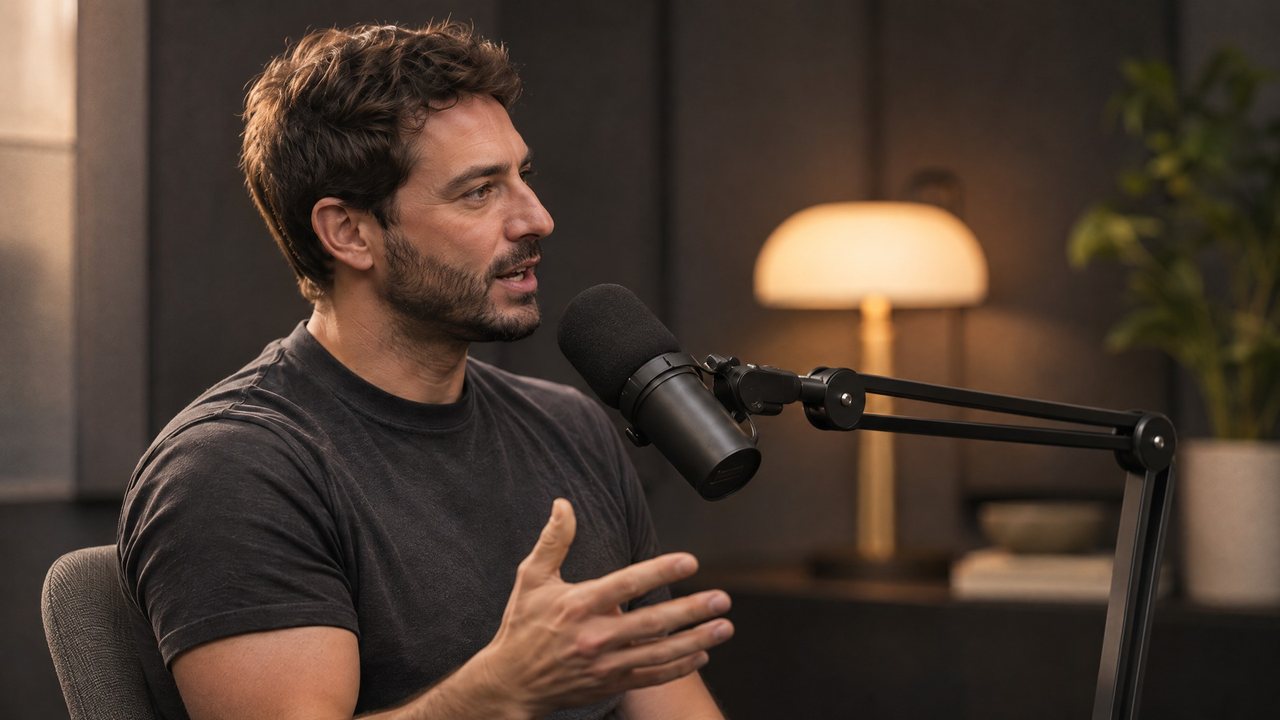


A real edit: Tally's own output on an 85-second test conversation.
The reels are already cut.
Tally finds the best questions, reframes on the speaker and captions every word.
9:16, 4:5 and 1:1 · five caption styles · right-to-left languages
One button in Premiere Pro.
Select the clips, press Edit. You get a sequence on your original files, and every cut is still yours to change.
 Tally
| What | By hand | With Tally |
|---|---|---|
| Cameras | Cut by eye | Switched by who is speaking |
| Dead air | Trimmed pause by pause | Removed, and reversible |
| Subtitles | A separate pass | Written |
| Reels | A second edit | Picked, reframed, captioned |
Put the red light on.
Download for Mac 22 MBVersion 0.2, early access · Apple silicon · Premiere Pro 25.6 or newer
- Open the disk image and drag Tally to Applications.
- Open Tally. It sets itself up.
- Restart Premiere Pro, then Window, UXP Plugins, Tally.
Questions.
What do I need?
An Apple silicon Mac and Premiere Pro 25.6 or newer. Nothing else to install: the first time you open Tally it downloads its own engine, about 700 MB.
How should I record?
One video file per camera and one audio track per speaker. A single mixed audio track is not supported yet.
Does my footage leave my computer?
No. Everything runs on your Mac. The first edit downloads a speech model, about 1.6 GB, once.
Does it work with Resolve or Final Cut?
Yes. Tally also exports the same edit as a timeline file that DaVinci Resolve and Final Cut Pro open.